|
 |
| AVAILABLE
PRINTING SERVICES |
 |
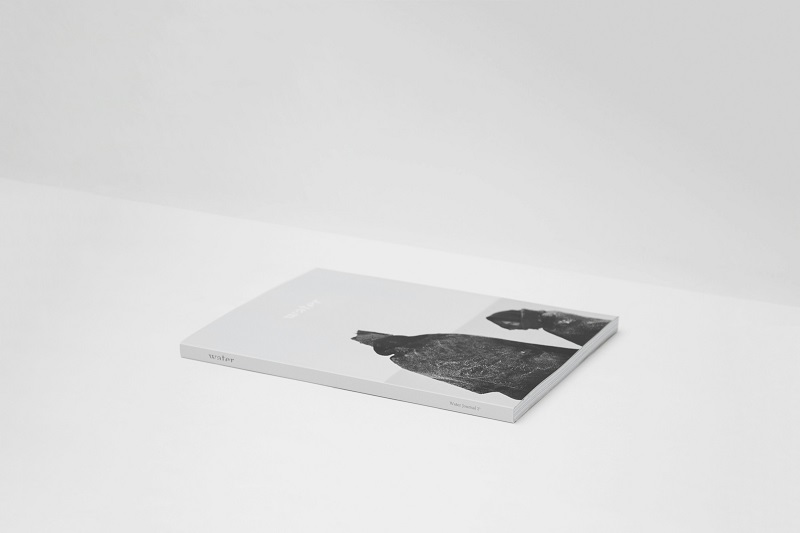
| Magazine
Printing
|
| Catalog
Printing |
| Digest
Size Printing |
| Brochure
Printing |
| Mailing
Services |
| International
Shipping |
| Specialty
Binding |
 |
|
|
|
|
| |
| |
16-page imposition example
Planning for Imposition
Commercial printers often use large sheets of paper that they
fold, cut, and trim to the finished size. One of many possible
ways of printing multiple pages is shown in the illustration on
this page (or here.
This example is a 16-page "sheetwise imposition" signature. One
large sheet is printed with 8 pages on each side. The solid lines
are for cutting. The dashed lines are where the paper is folded.
Once cut and folded the pages form a 16 page booklet or signature.
Several such signatures may be assembled into the final book or
other publication.
Plan
for color and graphics with imposition knowledge
Knowing how commercial printers position your pages for printing
can be an important planning factor when it comes to adding
color and spreading graphics across a 2-page spread.
As with any job, consult your printer early in
the planning process to insure good results and to make sure that
your job doesn't involve processes that your printer cannot handle.
- Reduce the cost of adding a third color
to a job
Run black with blue on one side of the press sheet. Then run
black with green on the other side. You may incur a slight
extra charge for the color change but not as much as if you
were mixing black, blue, and green all on one sheet and having
to run each side through the press multiple times.
- Reduce the cost of four-color process
printing
If planning a publication that mixes black and white with
some four-color process illustrations -- plan all color so
that it falls on one side of a press sheet or all within a
single signature when the job consists of multiple signatures.
- Print better color from your desktop
Even for desktop printing, understanding imposition is important.
Most inkjet papers are designed to produce best results on
only one side. Need double sided documents? Plan your color
for one side and black and white only for the second side.
- Insure smooth page-to-page transition
of photos and graphics
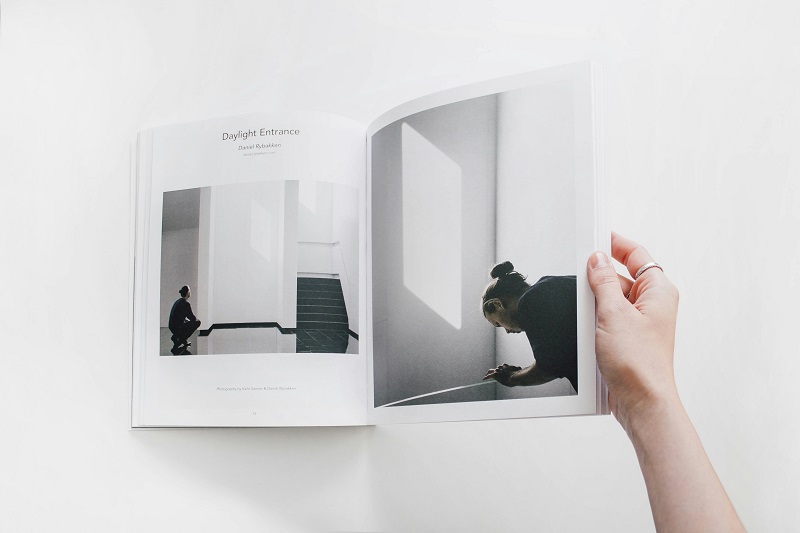
When an image crosses the gutter (spreads across 2 pages)
it may not align properly in the final assembled document.
Plan graphics that cross the gutter for pages with a natural
spread — i.e. no worry with exactly matching cut edges.
For example, in our 16-page signature described above, a graphic
crossing pages 10-11 would have a cut down the middle. Whereas,
a graphic spread across pages 8-9 would have a fold, not a
cut — less worry with proper alignment.
Next,
visualize imposition with mock-ups and charts.
|
|
|
| |
|
| |
| |
| |
| |
| |
|
| |
| |
| Environmentally
Responsible |
Printing |
| |
|
|